MiBlox makes Roblox management intuitive
MiBlox brings your Roblox accounts, favorite experiences and running games together in one desktop app. Manage accounts, launch games and keep track of every Roblox process with a clear, intuitive interface.
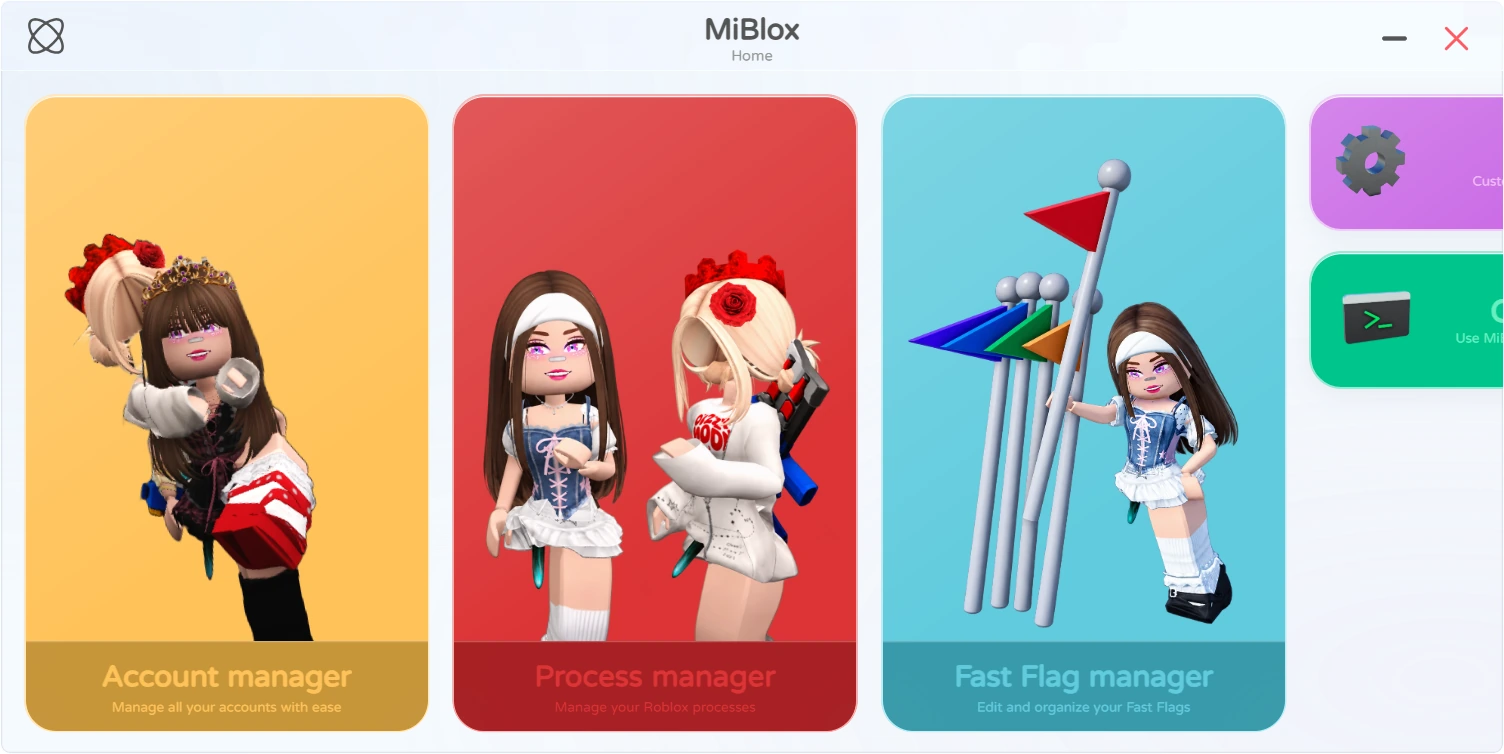
Every account, at a glance
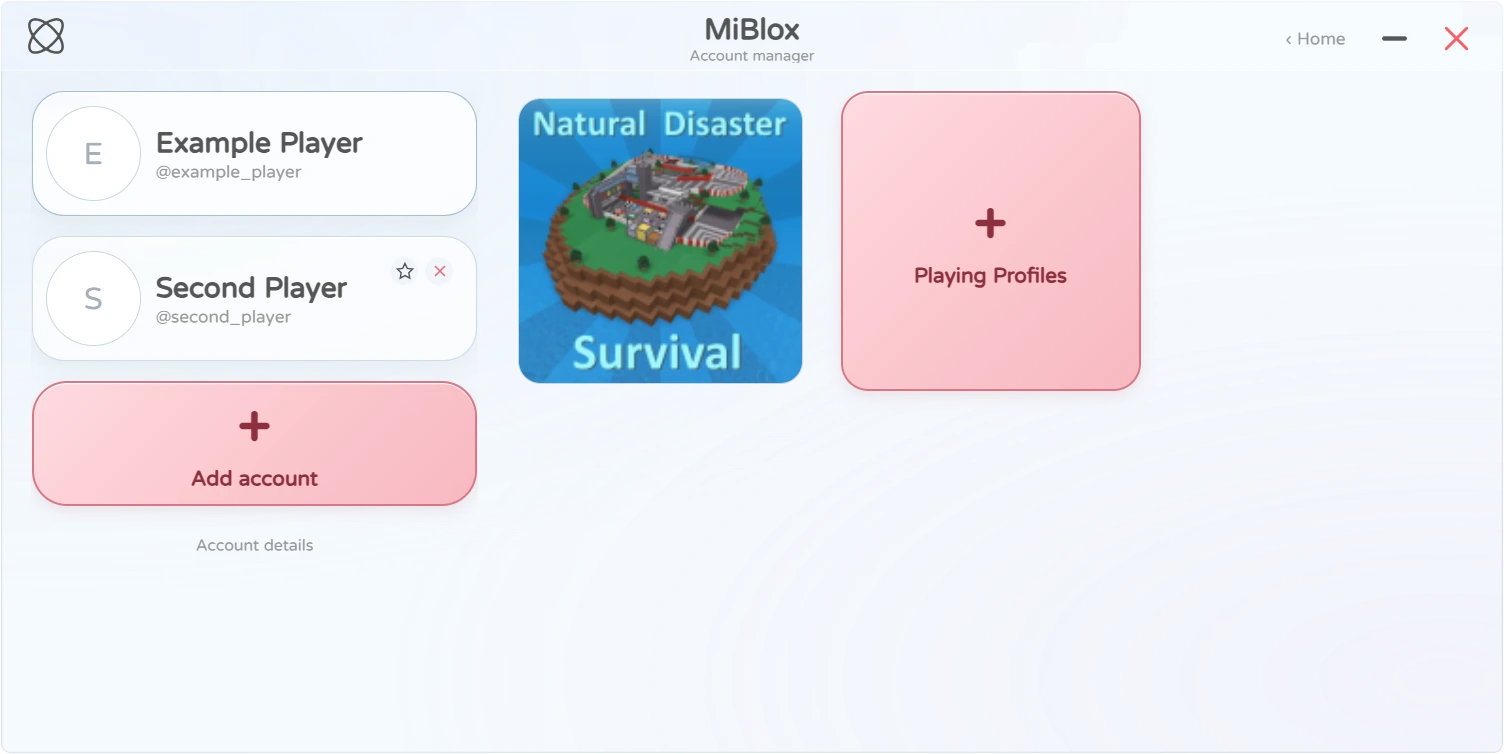
In MiBlox, accounts appear as player cards with avatars and user info, so telling them apart is effortless. Add accounts, favorite the ones you use most, and sign in through the Roblox login page.
- Player cards with avatar and user details
- Favorite your most-used accounts
- Jump from a playing account straight to its process in Process Manager
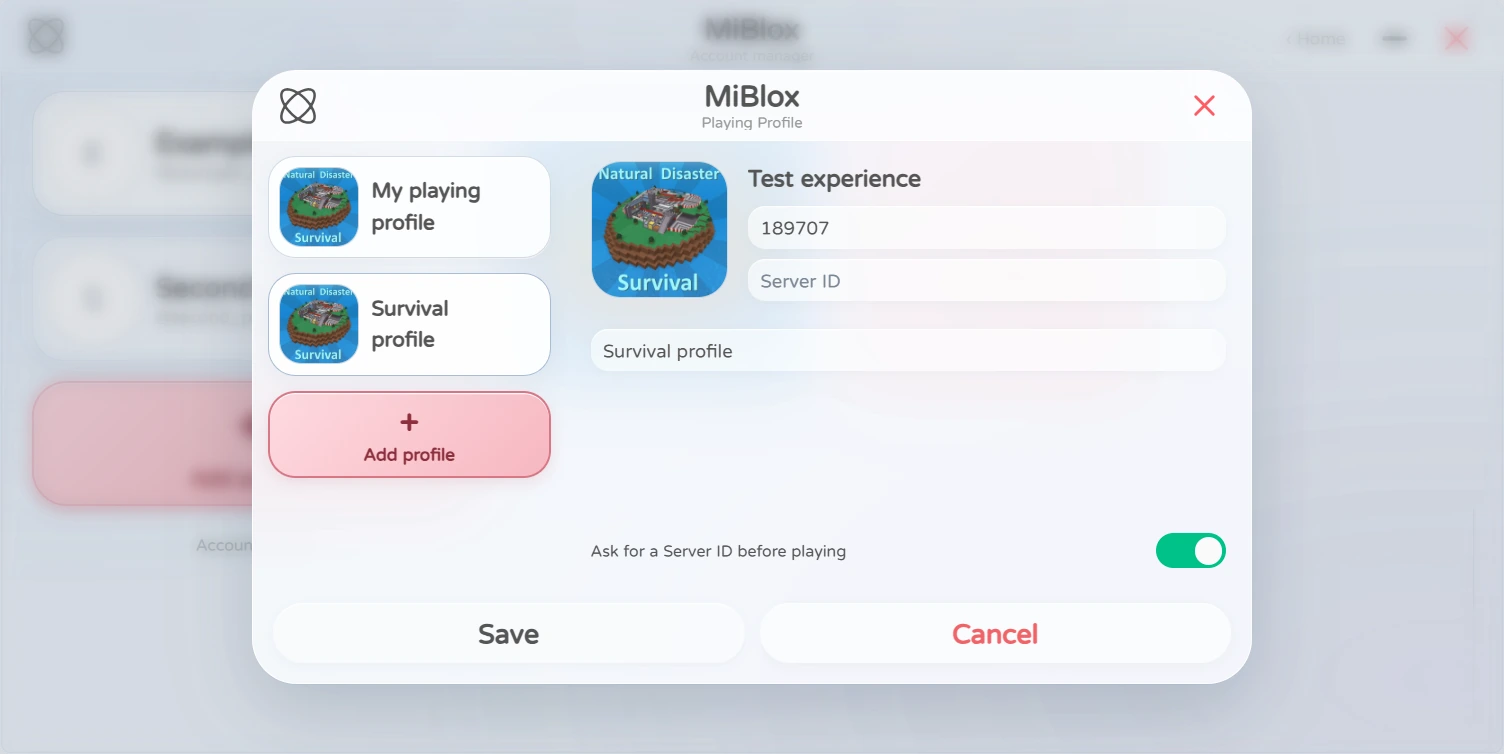
Save the experiences you play most
Save an experience's Place ID, Server ID and a custom name in MiBlox. Once it's set up, click the experience card to launch with those settings — no more retyping every time.
- Place ID, Server ID and custom names
- Optionally ask for a Server ID before each launch
- Experience thumbnails keep your list tidy
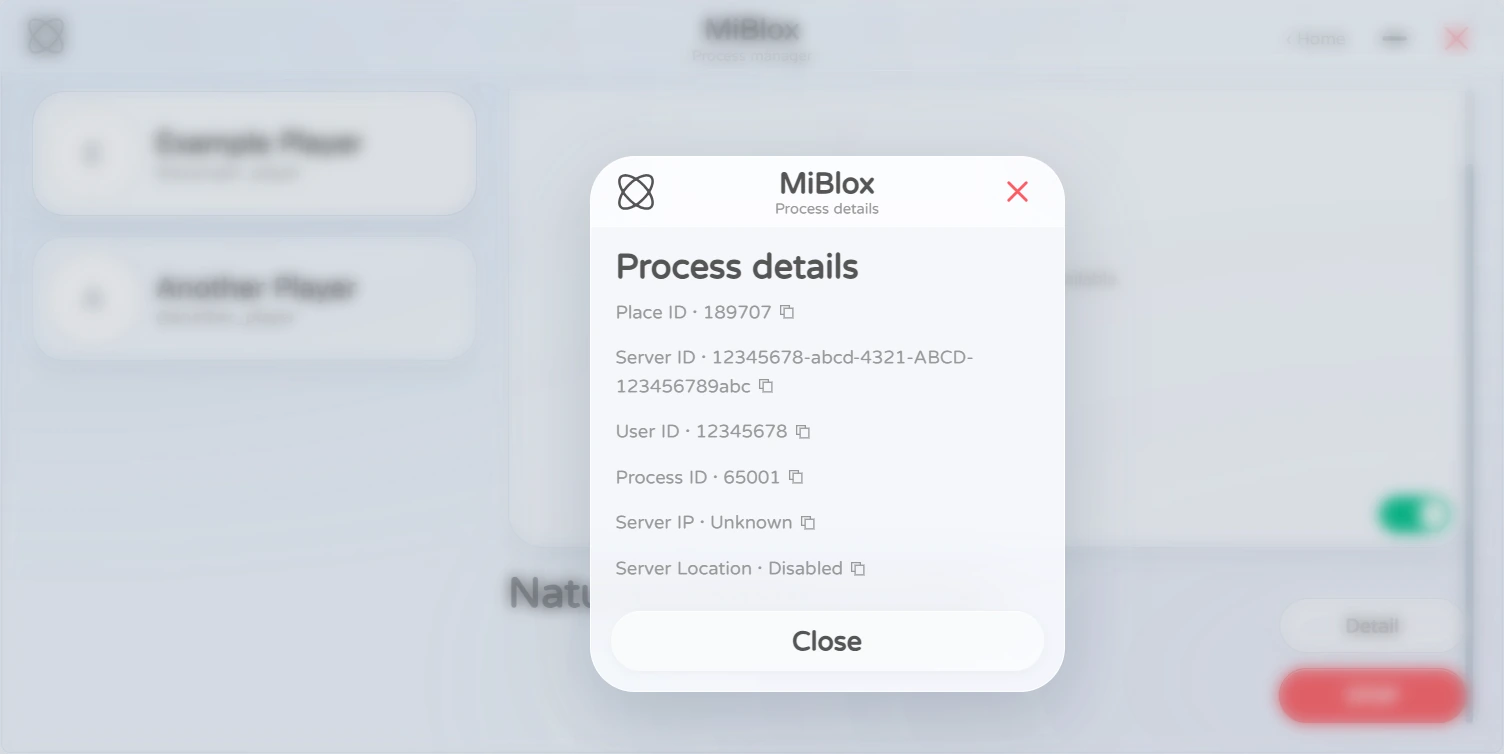
Know exactly what's running
Every Roblox process MiBlox detects is shown in one place. Game and player info is identified from Roblox logs, helping you tell windows apart.
- Player UID, Place ID, Server ID and process PID
- Live Preview to check the game screen
- Automatically returns to overview when the last process ends
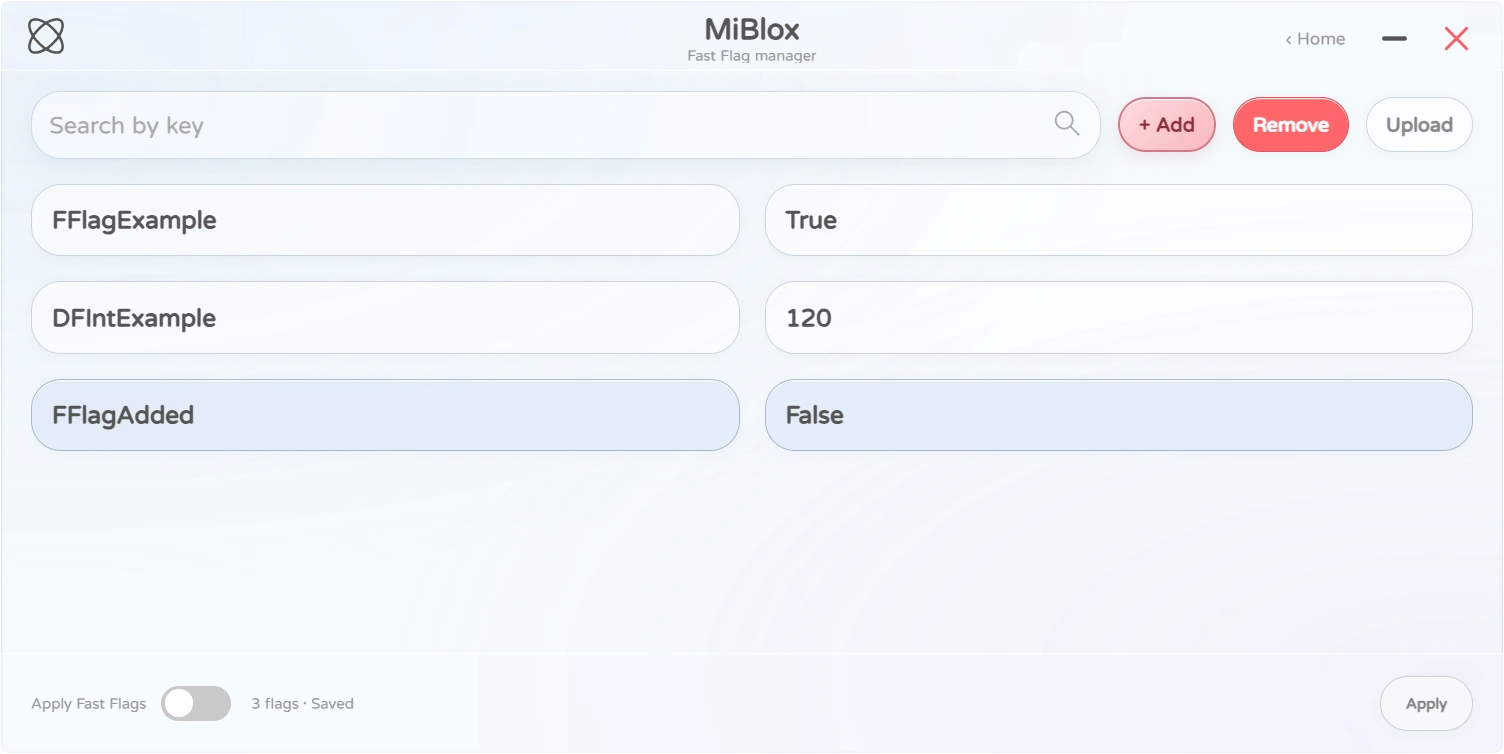
Fast Flags, neatly organized
Use MiBlox to add, edit and remove Fast Flags, or upload a JSON file to import them, then apply everything to Roblox in one go.
- Add, edit and remove flags
- Import from a JSON file
- Apply to Roblox with one click
The actual effect of Fast Flags depends on your Roblox version and what it supports. MiBlox makes organizing and applying them easier.
Share what you're playing
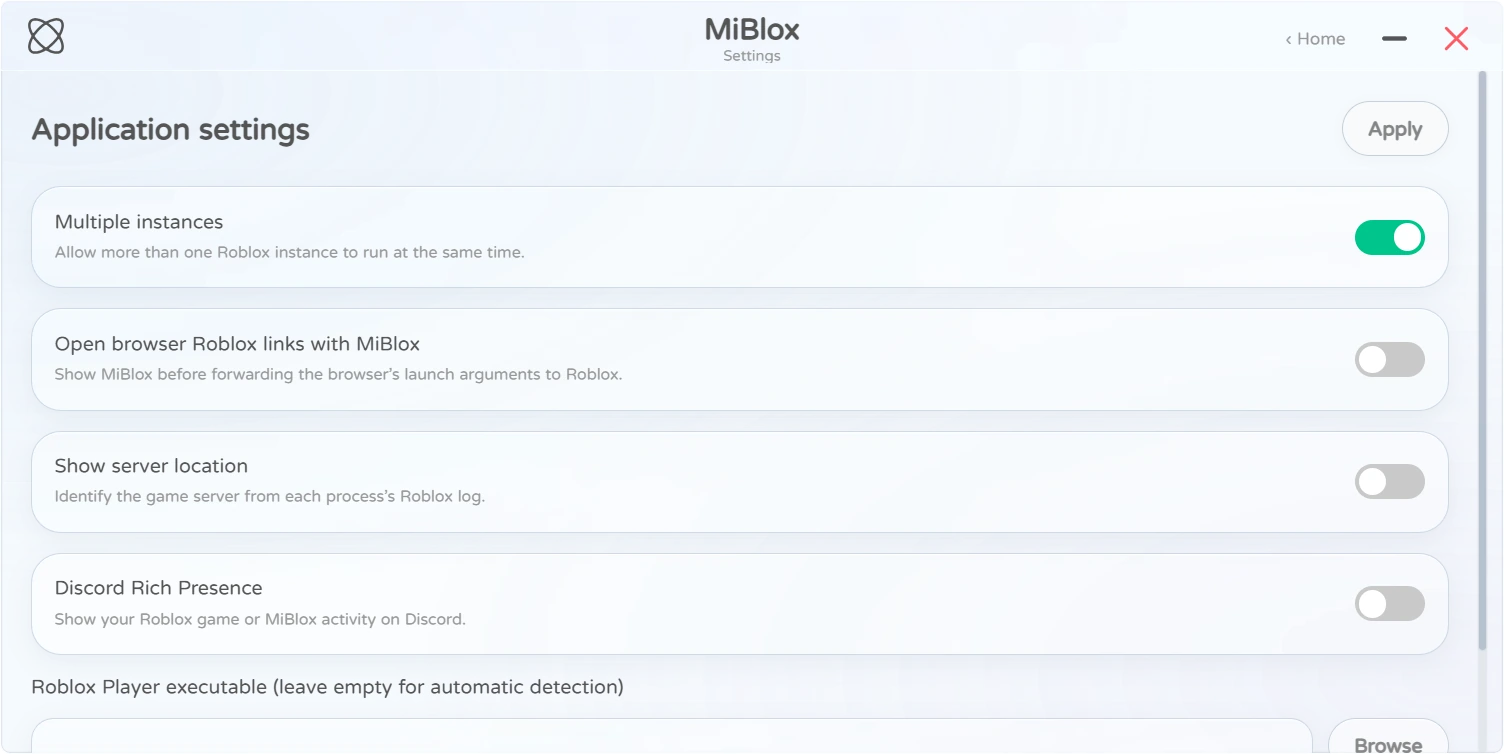
MiBlox integrates Discord Rich Presence and switches what it shows based on your current activity.
- One game: name, play time, thumbnail and avatar
- Join button once server info is available
- Multiple games: switches to MiBlox multi-instance status
- Nothing in-game: shows "In MiBlox GUI" — or turn it off in Settings
A clean, soft desktop interface
MiBlox uses a card-based layout with frosted glass, translucent backgrounds and animated toggles to keep accounts, experiences and processes feeling consistent.
- Card-based layout
- Frosted glass and translucent backgrounds
- Smooth toggle animations
Less repetition. More play with MiBlox.
From saving your favorite setups to checking on running games, MiBlox cuts out the busywork so you can focus on playing.
Download MiBlox